How It Works
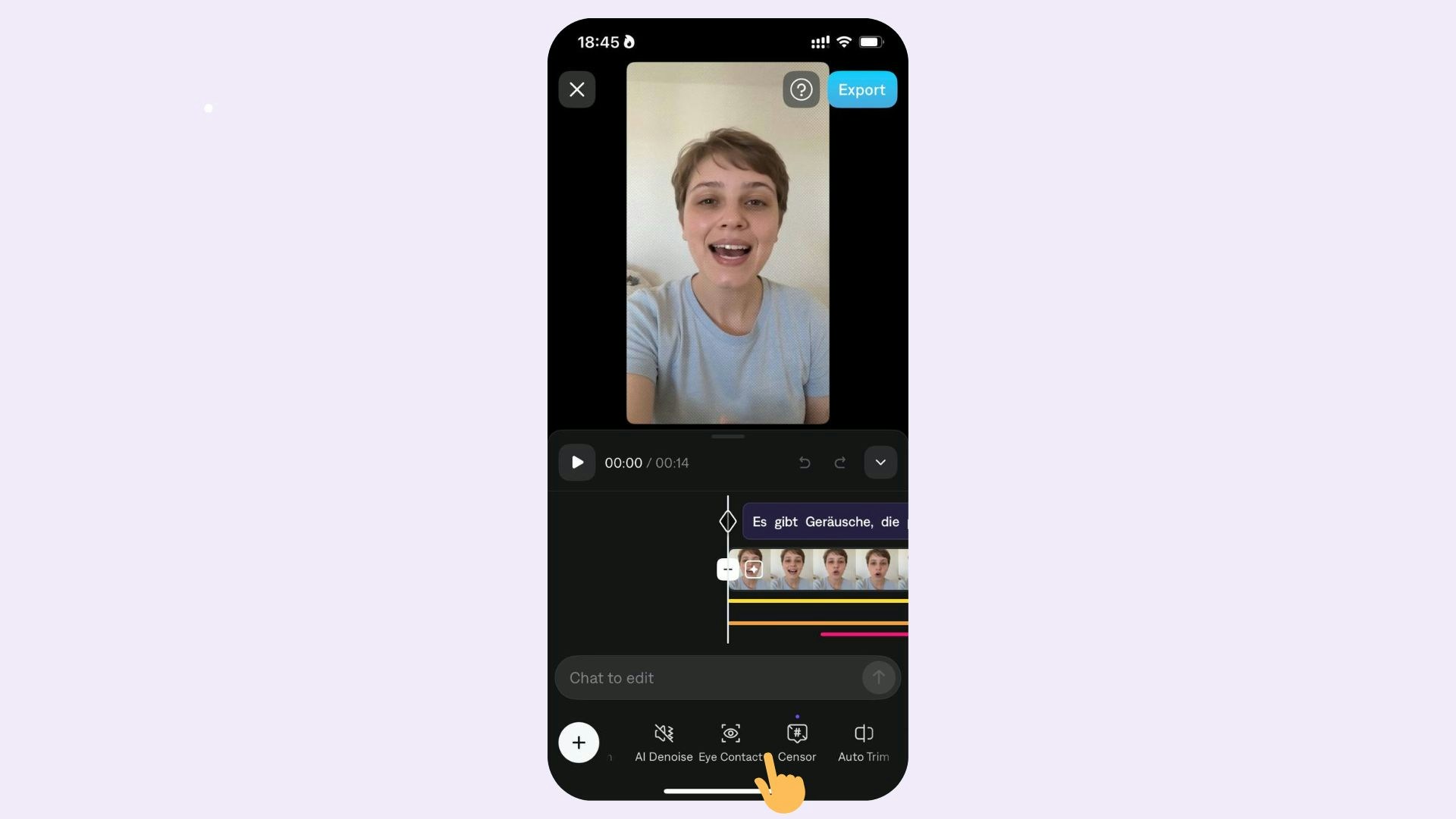
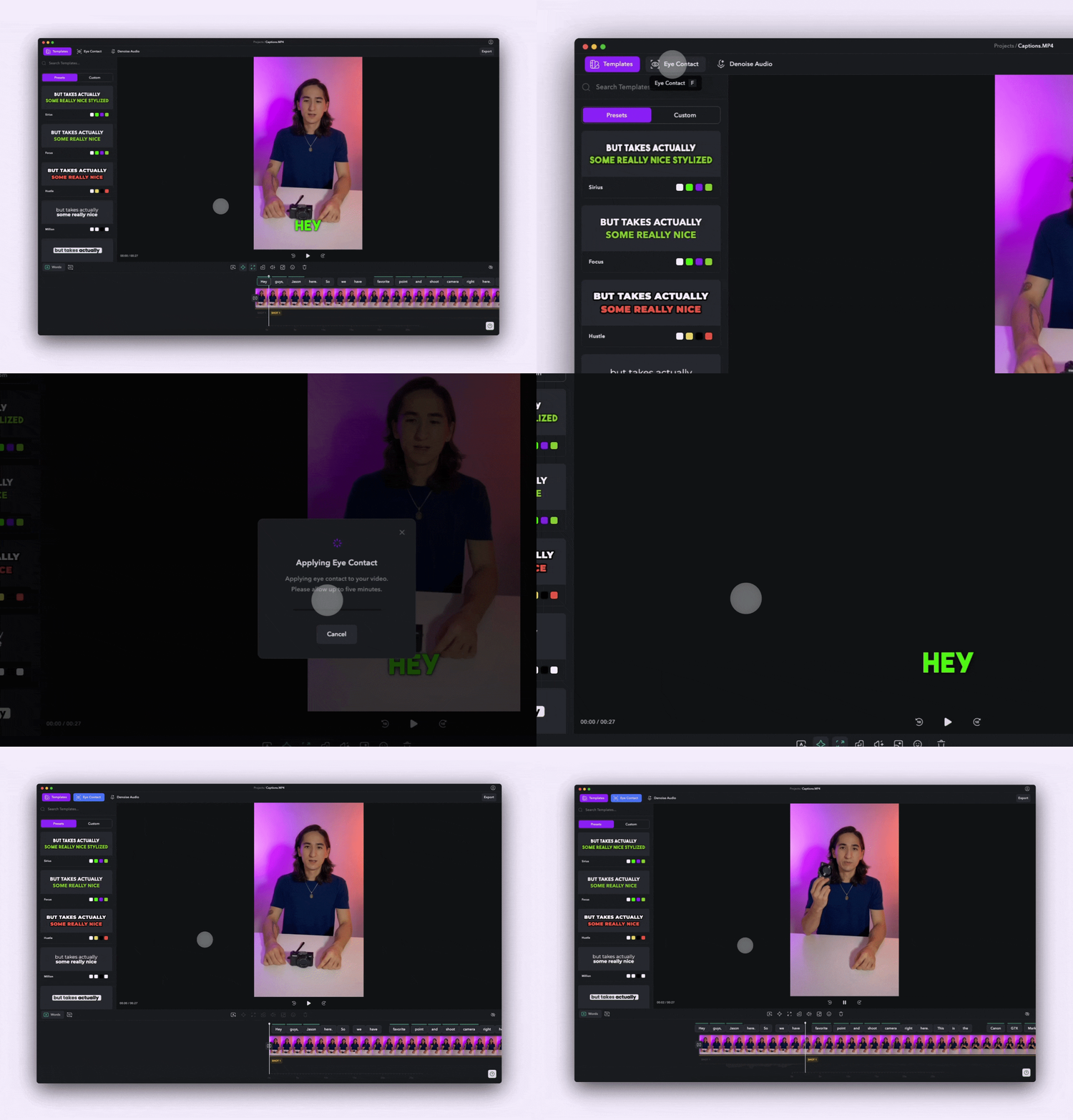
To apply eye contact:
- Upload your video or record a video using the Captions Camera and Teleprompter
- Once your video has been uploaded, select Eye Contact
To disable Eye Contact, simply select Eye Contact again.
Tips
For best results, the subject should:
- Look as close to the camera as possible
- Position their script slightly above or to the side of the camera (rather than down)
- Be close enough to the camera so that the white’s of their eyes are fully visible
- Record right in the Captions Camera and Teleprompter
Last modified on July 29, 2026