
YouTube Shorts maker
Create YouTube Shorts faster without breaking your workflow. Captions helps you turn ideas and existing footage into vertical videos that are structured, captioned, and ready to publish.
Speed up your YouTube Shorts creation
Finish Shorts in minutes
Shorts shouldn’t take hours to edit. With Captions, you can trim clips, add subtitles, and format for vertical in one place — so you move from idea to upload quickly.
Edit like the feed
The best Shorts are structured, engaging, and easy to follow. Captions is built for vertical editing, so you can easily create content that matches how people actually watch.
Keep your output high
Speed often reduces quality. Captions keeps your videos clean, readable, and consistent so you can increase output without lowering your standard.

Move faster with Captions
Repurpose what you already have
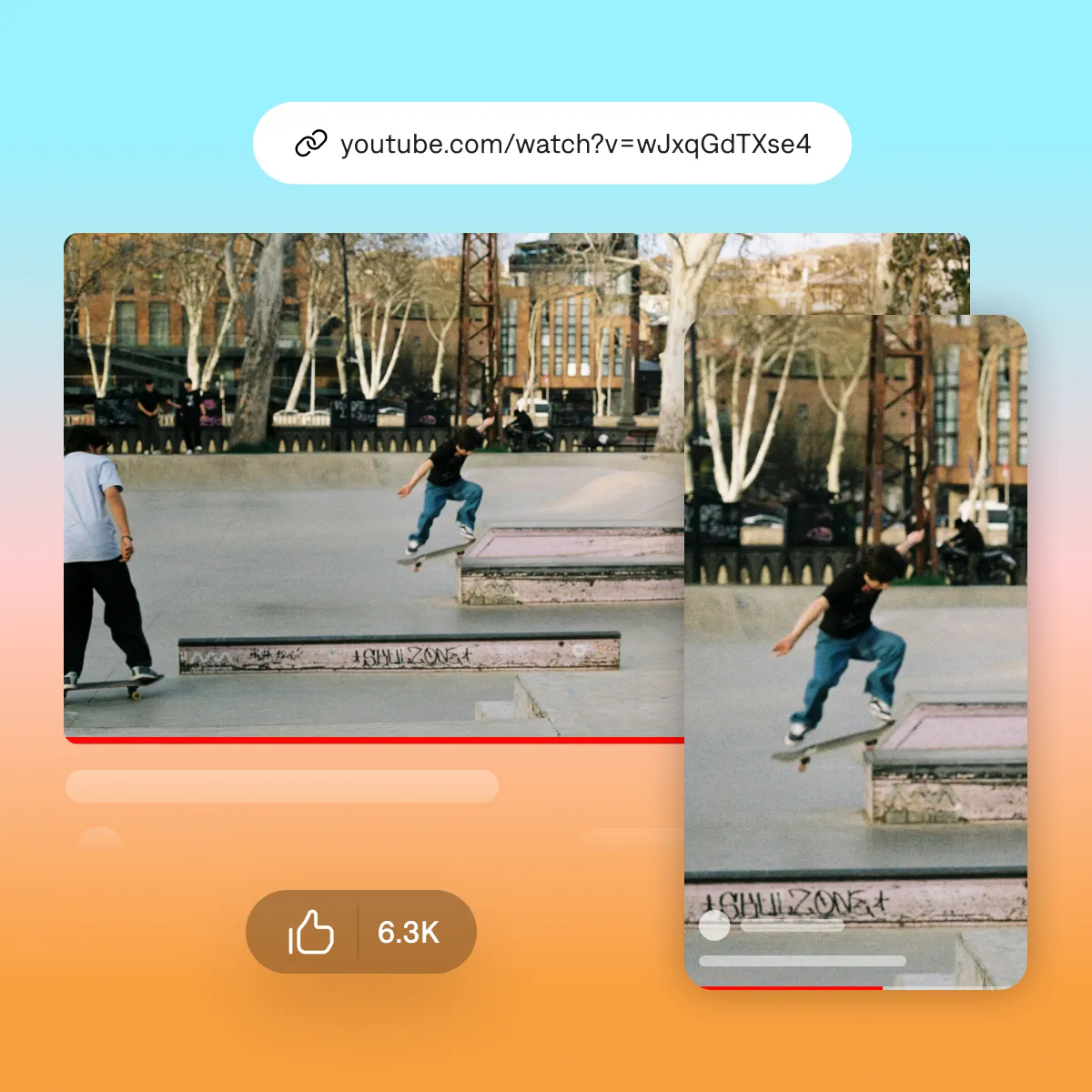
Already creating long-form YouTube content? With Captions’ AI Shorts maker, you can paste a video link and instantly generate multiple standalone Shorts from your best moments. AI handles the trimming, structure, and subtitles, so you’re not scrubbing timelines or rebuilding edits.
Clip a specific kind of video
Podcast clips
Turn a full episode into 30+ ready-to-post clips — Captions follows every speaker and ranks the results so you know what to post first.
Webinar clips
Pull the strongest takeaways out of a webinar recording — with your slides still readable at 9:16.
Gaming clips
Find your best plays in hours of gameplay — facecam and gameplay framed together, stream overlays removed.
Sports clips
Turn full game footage into highlight clips — Captions follows the play across wide, fixed-camera film.
Start your next video

Frequently asked questions
What is a YouTube Shorts maker?
A YouTube Shorts maker is a tool that helps you create vertical videos formatted for Shorts. This typically includes trimming clips, adding captions, and structuring content for short-form viewing.
How is creating Shorts different from editing regular videos?
Shorts require a different workflow. They’re faster-paced, vertically formatted, and rely heavily on captions and timing. Traditional editing tools aren’t optimized for this format, which slows down production. Software like Captions can help.
How can I make YouTube Shorts faster?
Speed comes from reducing steps. Instead of switching between tools for trimming, captions, and formatting, using a single workflow helps you move from raw footage to publish-ready video in minutes.
Why are captions important for YouTube Shorts?
Most Shorts are watched without sound. Captions improve watch time, make content easier to follow, and help structure the video so viewers stay engaged.
Can I repurpose long-form videos into Shorts?
Yes. Repurposing lets you turn longer videos into multiple Shorts by extracting strong moments and formatting them for vertical. Tools like Captions streamline this by handling clipping, captions, and formatting in one workflow.