
AI video editor that makes exactly what you need.
Say goodbye to manual editing, and hello to better content. Captions’ AI video editor turns basic footage into fully edited videos that look professional and get real results.
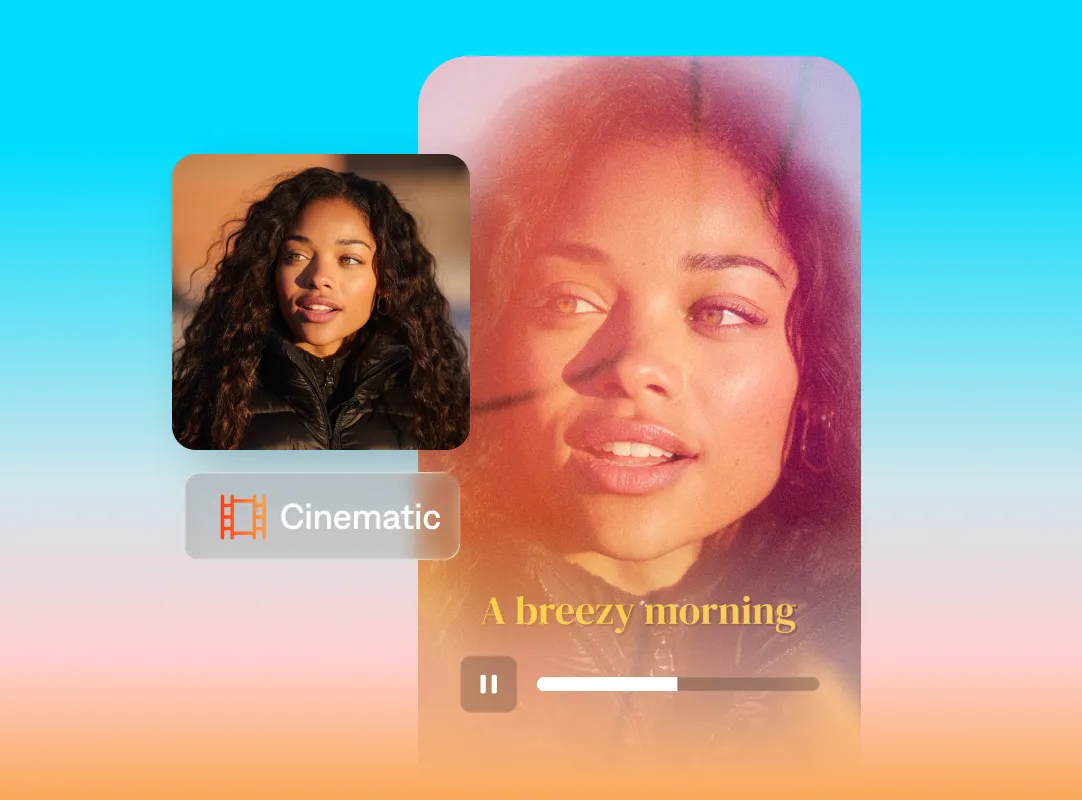
Why you need an AI video editor
Skillful edits, no matter your background
You don’t need to learn a new tool or workflow to make something you feel good about. AI video editing tools handle all the hard parts for you. They can add zooms, transitions, music and more.
Faster edits from start to finish
Video editing doesn’t need to take hours. AI tools bring everything together in a fraction of the time. You get to a finished video faster, without cutting corners.
Keep things moving
Making videos shouldn’t feel like a start-and-stop process. AI editing helps move you from one finished video to the next without getting stuck in the details.
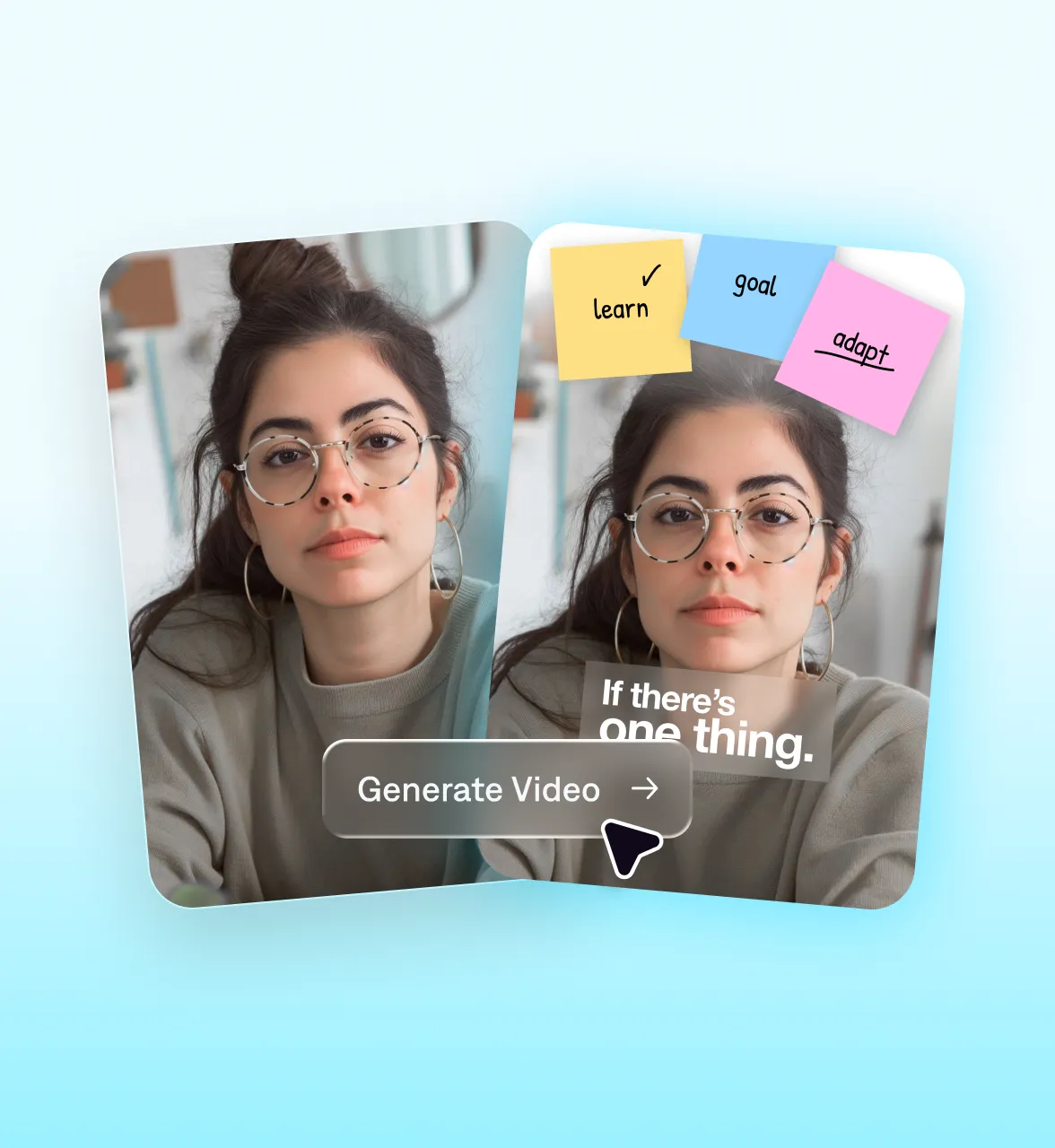
Start your next video

Frequently asked questions
What’s an AI video editing tool?
AI video editors adjust your original footage. Depending on the editor you choose, that might mean small tweaks like adding transitions, or transforming the entire video. AI video editing features often include options to add subtitles, swap music, insert b-roll and other helpful edits. With tools like Captions, AI takes it even further. You can go from raw footage to fully-edited video, all with a few clicks or simple commands.
What should you consider when choosing an AI video editor?
AI video editors offer a wide range of features, so you’ll want to research the best editor for your own content goals. Top tools enable anyone to make great videos, no matter their expertise. Beyond feature lists, you should make sure the editor produces high-quality footage and feels easy to use.
How can I maintain brand consistency in videos at scale?
Effective branding needs a clear strategy. You can maintain brand identities and color schemes across videos by applying the right color palette, adding in your logo and incorporating your favorite spokespeople. Over time, you might even develop a specific video style with favorite subtitle fonts or music too.
Can you use AI video editors to repurpose existing videos?
Repurposing existing content is easy. Use AI editors to trim longer videos into shorter clips, creating viral-worthy shorts. Or, merge multiple snippets into a new video with polished transitions.
Can AI video editors support different languages?
Yes, AI video editors often let you add captions and audio in different languages. Some tools even use advanced tech that matches mouth movements to the new language, like the lip dub feature in Captions.
Can I edit videos with AI online?
Yes, and Captions makes it easy for you. Our online video editor has both desktop and mobile app versions. Upload your footage or start from a prompt, and AI applies edits like trimming, captions, transitions, and b-roll before you export.
How is Captions different from a traditional video editor?
Instead of a complex manual timeline, Captions is an AI-simplified online editor. You can edit with prompts or one-tap tools and let AI do the heavy lifting. You always maintain control, and can make any manual adjustments you want.