
Create AI avatars or digital twins
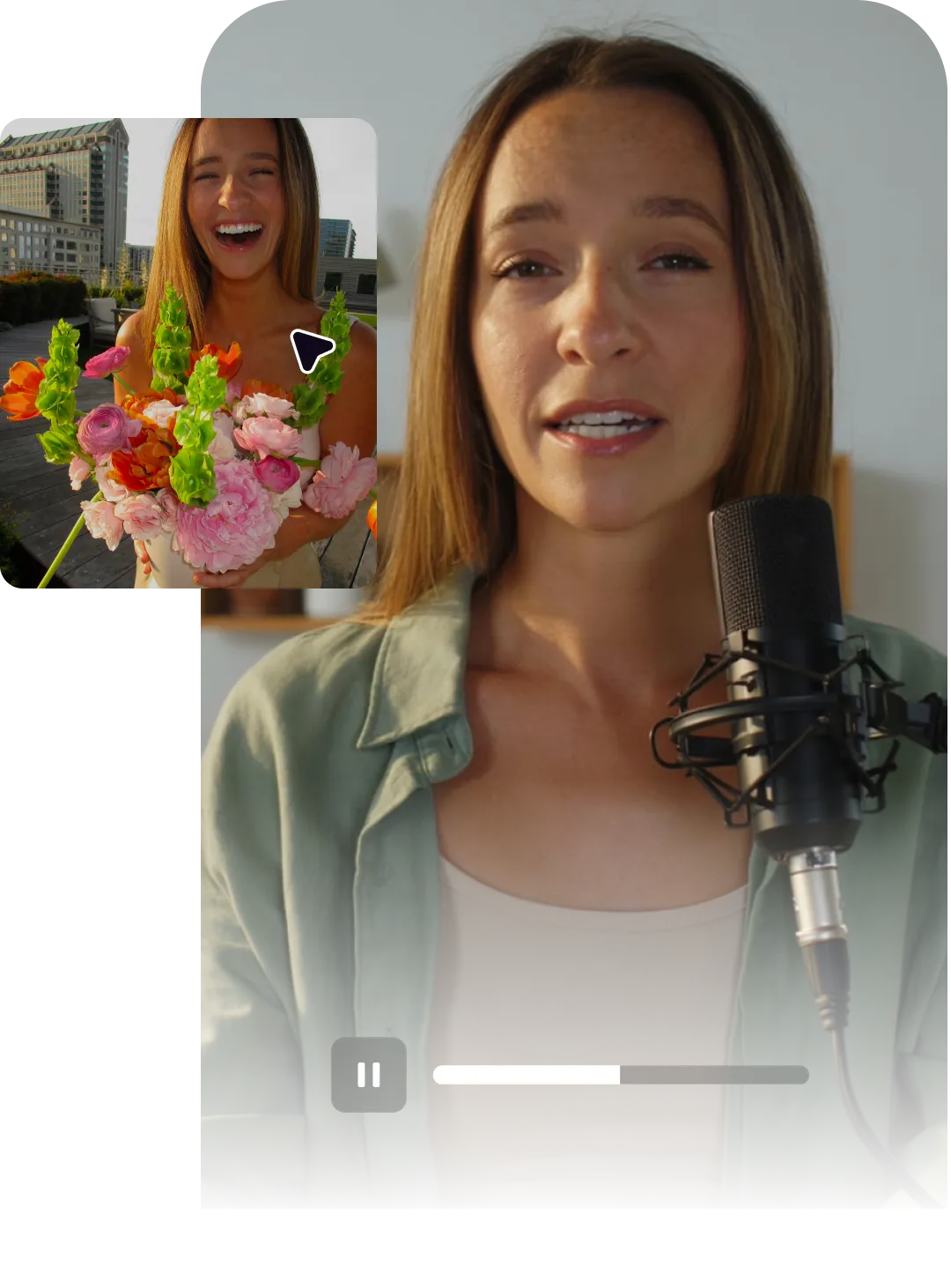
No stiff AI avatars here. Create realistic AI video avatars from a photo, reference footage or text prompts. Captions delivers dynamic avatars that speak organically.
Import your video to start
By uploading a video to be edited using AI, you are agreeing to our Terms and have read our Privacy Policy.
What you can make with our avatar generator
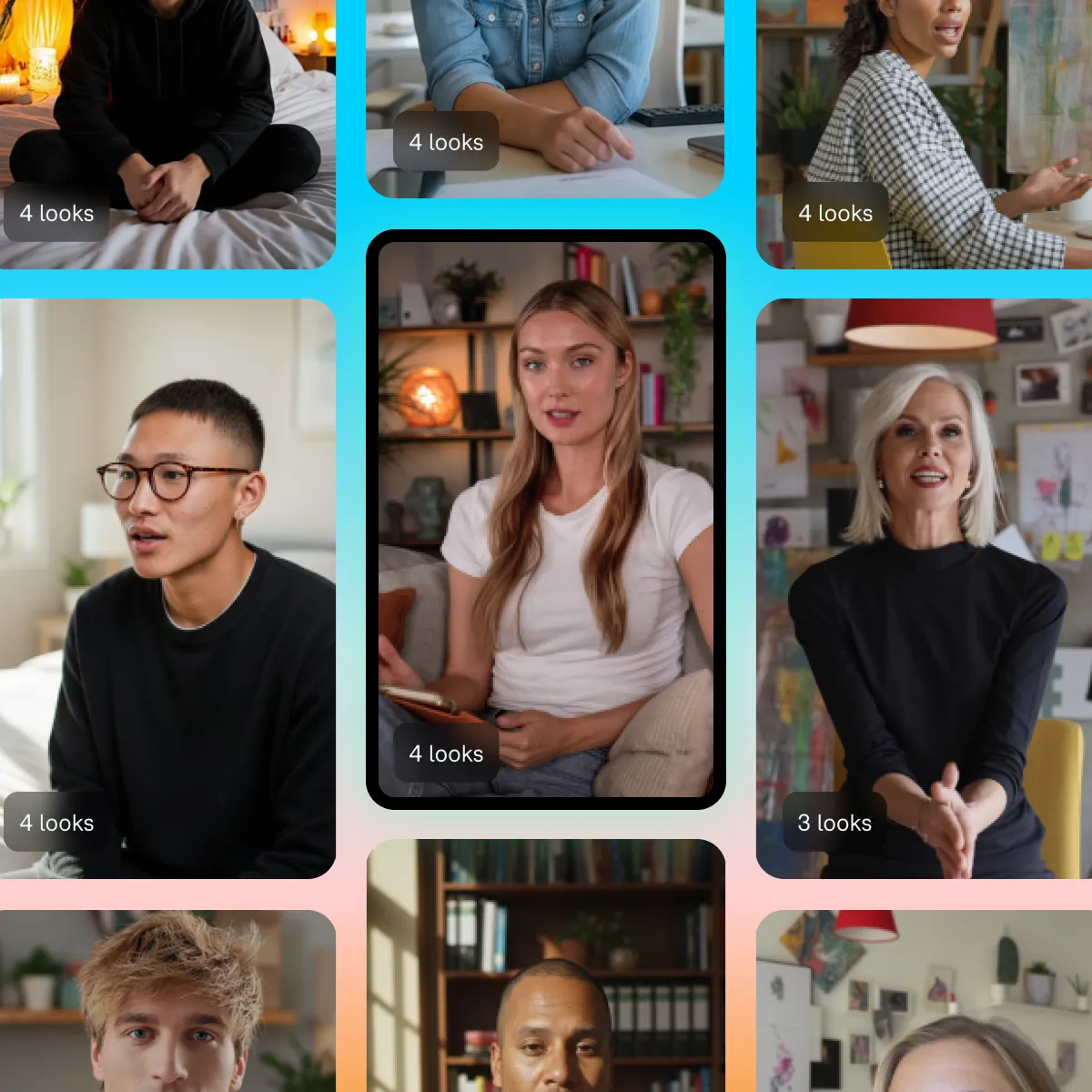
AI Actors
Cast from a diverse library of AI Actors or generate a custom character with prompts. Easily adjust outfits, appearance, and environments to match your video.
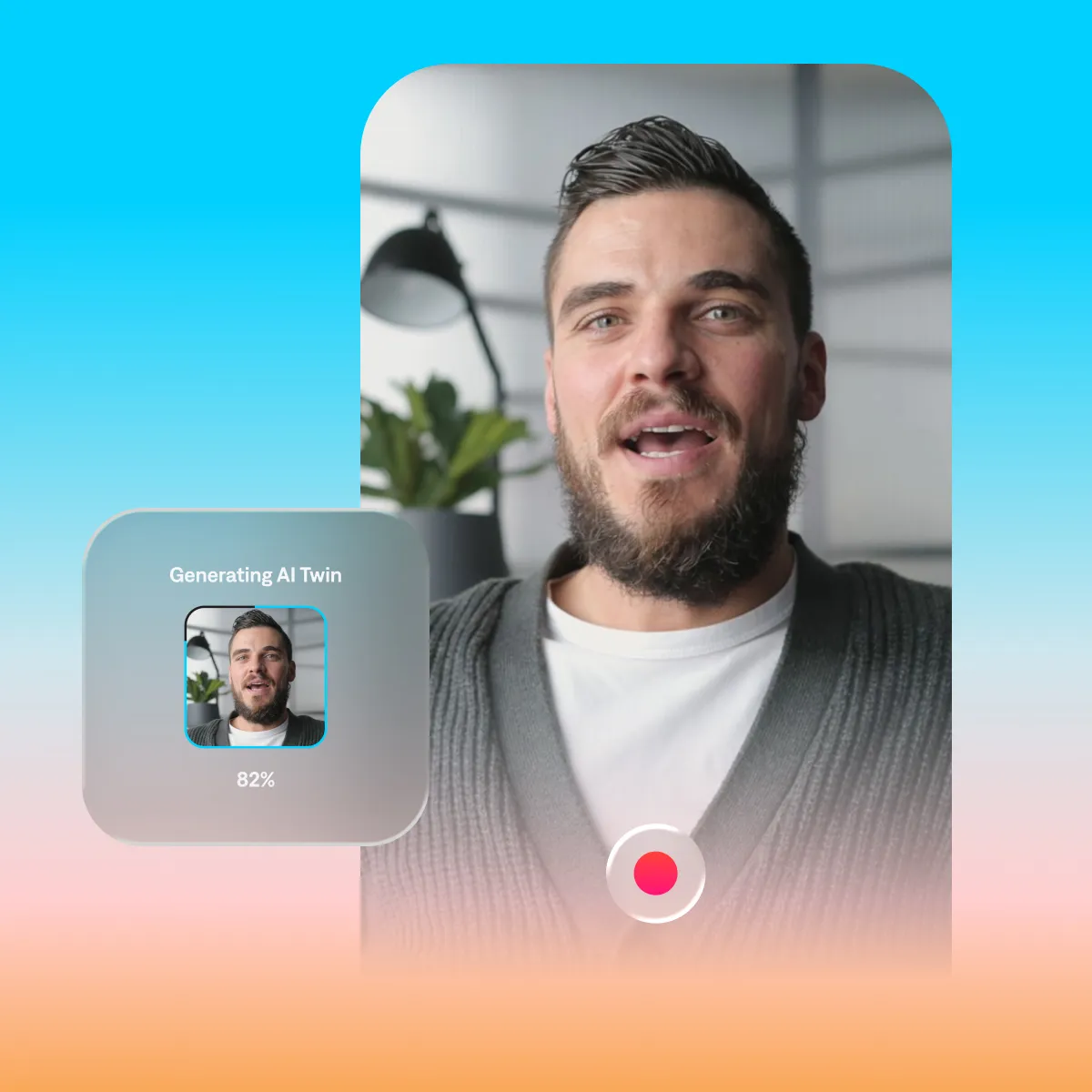
AI Twins
Clone yourself or create a digital twin of talent you’re licensed to use. Upload a selfie or short clip to generate a personalized avatar for your videos.
Scale your content, not your cast.
On-demand talent
Avatars remove the logistics and high costs that usually come with casting and filming. No contracts to manage, or shoot days to coordinate. Whether you choose from the avatar library or generate someone new, talent is ready whenever you need it.
Adaptable for any video
Captions’ avatars are not limited to a single look or setting. Adjust outfits, backgrounds and delivery to match the tone of a specific campaign or platform.
Make more videos
An AI twin lets you create more content without filming more content. Appear across different formats while maintaining a consistent presence that still feels unmistakably you.
Make your avatar
How to generate AI Actors with Captions
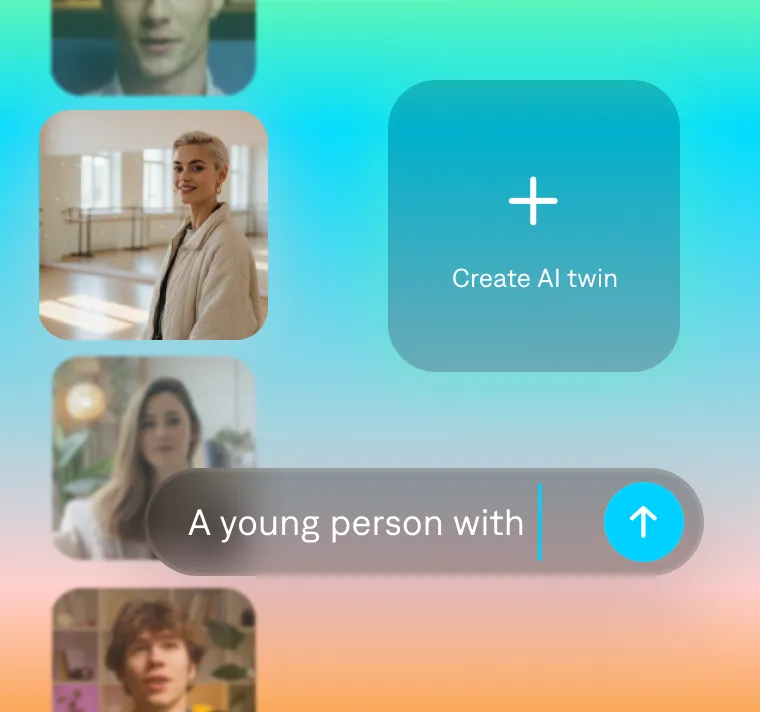
Pick your talent
Choose who’s starring in your video. Pick from a library, generate from text, or create your own AI Twin.
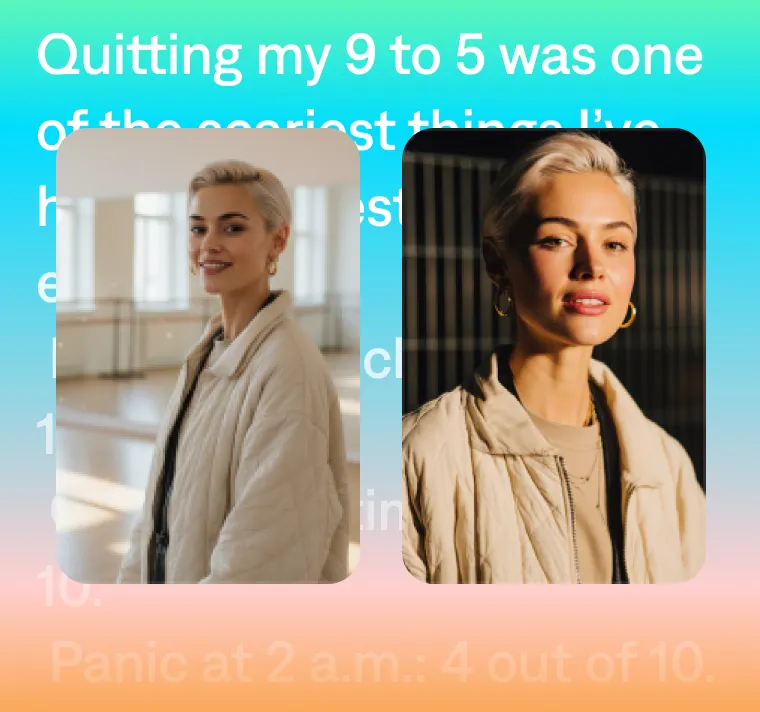
Customize the details
Shape the visuals to match your vision. Adjust the look, setting, and style of your avatar in your video.
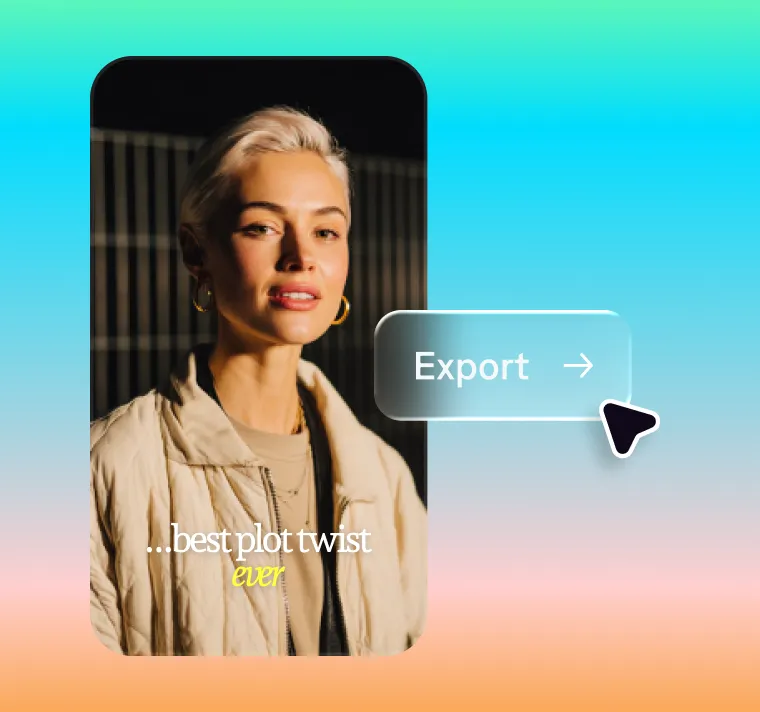
Generate and share
Add your script, then generate and tweak as needed. Export in the right format for any platform.
Why our avatars stand out
Our avatars display a full range of emotion and body language. That's because Captions generates avatars as a complete "performance," stitching together audio, video and visuals all at once. Other AI-generated influencers and actors are assembled in pieces, and can feel stiff or inauthentic.

Generated with Captions
AI-generated
AI-generated
AI-generated
AI-generated
AI-generated
AI-generated
Make your avatar
Frequently asked questions
How does an AI talking avatar work in Captions?
Captions avatars are powered by Mirage, our proprietary AI model for video generation. Instead of stitching together text-to-speech and animations, Mirage generates voice, expression, and movement together as one cohesive performance. Just type a script or upload a selfie, and your avatar comes to life with natural delivery designed for video.
How can I make a video without showing my face?
You can create a faceless video using an AI avatar instead of filming yourself. Choose an AI Actor or generate a digital twin, add your script, and Captions will produce a complete on-screen performance for you.
Can I create an avatar of myself?
Yes. Upload a selfie or short clip, and Captions generates a digital twin based on you. You can create multiple twins and style them with different looks, outfits, and settings, giving you flexibility across your content.
Can I use Captions’ avatars commercially?
Yes. Captions avatars can be used for personal or professional projects, including commercial content. All usage must follow our content guidelines, which prohibit harmful, misleading, or defamatory material. You can learn more here.
Which AI can create a realistic person for my videos?
Captions can generate realistic people for your videos using AI avatars. With Captions, you can either choose from a library of AI Actors or generate a new character from a prompt. You can also create a digital twin based on a real person using a selfie or short clip. Powered by Mirage, Captions’ AI video model, these avatars deliver natural voice, expressions, and movement designed for modern video content.